What Are Sitelinks?
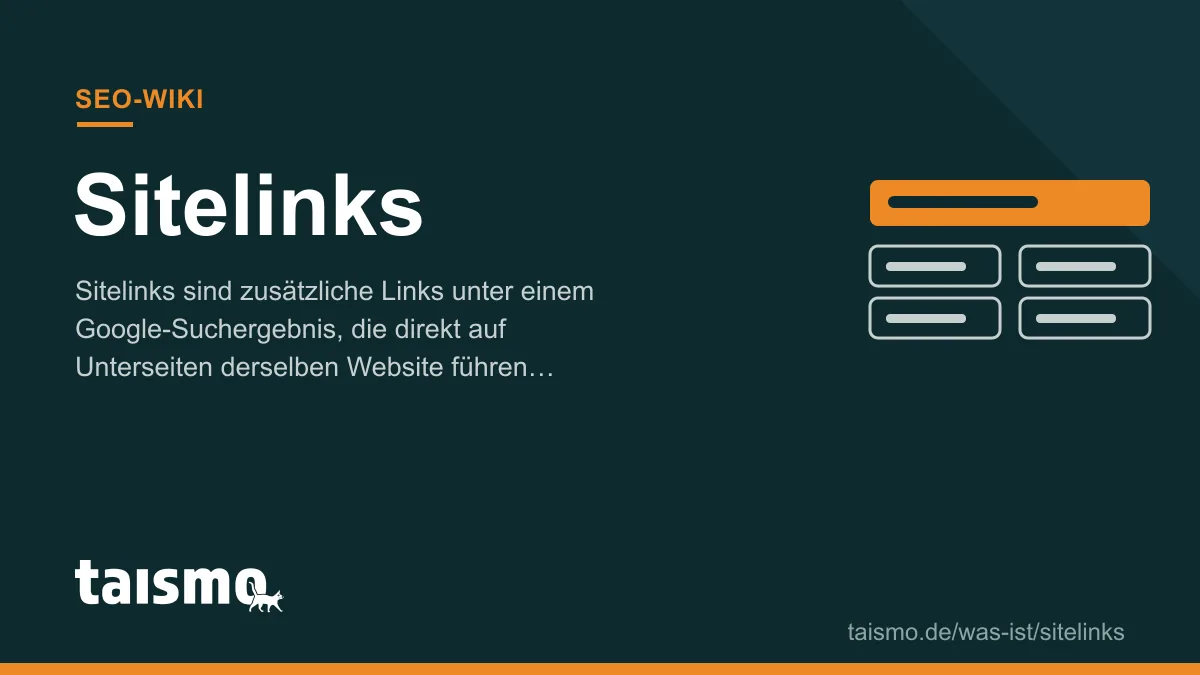
Sitelinks are additional links under a Google search result that lead directly to subpages of the same website. Google adds them automatically when a result is especially relevant, typically for searches for a brand name. A result with sitelinks takes up noticeably more space on the search results page, increases the click-through rate, and takes users straight to the right subpage. Sitelinks cannot be booked or submitted directly: Google selects them algorithmically from the structure of the website.
Term profile
| Attribute | Details |
|---|---|
| Part of speech | Noun, usually plural: the sitelinks; literally “site links” |
| Also known as | Google sitelinks |
| Field | SEO, SERP features, brand search |
| Related terms | SERP, Featured snippet, Internal link |
How do Google sitelinks come about?
Google generates sitelinks fully automatically: The algorithm analyzes the structure of a website and shows as sitelinks the subpages it judges to be the most useful shortcuts for the specific search query. These are often pages like services, contact, careers, or a blog.
Sitelinks appear mainly for navigational search queries, meaning when someone searches specifically for a brand or website. For generic search terms, Google rarely shows them, because several providers compete for the positions there. Whether and which sitelinks appear can change at any time; there is no entitlement to them.
Which types of sitelinks are there?
Google shows 3 types of sitelinks:
- Expanded sitelinks: Up to 6 links with their own description under the first search result, mostly for brand searches. The most prominent form.
- One-line sitelinks: A compact row of links under a result, also possible at lower positions.
- Ad sitelinks: Manually maintained sitelink assets in Google Ads campaigns. They look similar but follow their own rules and are the only sitelink type you set directly.
The formerly widespread sitelinks search box, a search field directly inside the search result, was discontinued by Google in November 2024.
How do you influence your sitelinks?
You influence sitelinks through the signals Google derives them from. 4 levers work in practice:
- Clear site structure: A flat, logical hierarchy with unambiguously named main pages makes the choice easy for the algorithm.
- Internal linking: Important pages are linked prominently and with meaningful anchor texts; how this works is explained in our article on the internal link.
- Descriptive titles: Short, unambiguous page titles and headings, because Google takes the sitelink labels from them.
- Clean navigation: Breadcrumb navigation and consistent menus confirm the hierarchy.
You cannot remove unwanted pages from the sitelinks at the push of a button; Google retired the former demotion tool in Search Console in 2016. What remains is the indirect route: link the page more weakly internally or take it out of the index with noindex. A structure that favors sitelinks does not happen by accident but through systematic work on architecture and linking, a core building block of ongoing SEO services.
Frequently asked questions about sitelinks
Can I request sitelinks from Google?
No. Organic sitelinks are assigned automatically by the algorithm. Only in Google Ads campaigns do you create sitelinks yourself as assets.
Why does my website show no sitelinks?
Usually one of three signals is missing: The website does not clearly rank at position 1 for its brand, the structure is too flat or ambiguous, or the brand is searched for too rarely. As brand awareness grows, sitelinks often appear on their own.
Are sitelinks a ranking factor?
No. Sitelinks do not change the position of a result, only its presentation. They enlarge the occupied space and thereby increase the click-through rate.
Welt der SEO lernen?