Google AI Mode: How to Keep Your Website Visible in AI Search

Dominik Breitbach is the founder of taismo, a German SEO and GEO agency from Munich, and works as Lead SEO Strategist on ongoing SEO support and visibility inside AI answers (GEO). He has guided companies through SEO and Google Ads since 2010.
🔄 Last updated: 21 August 2026
Google AI Mode is a separate mode of Google Search that answers your query with an AI-written response and source links instead of a list of results. For your website, that shift rewrites the rules: Inside AI Mode you are visible only when the AI cites you as a source, not because you hold position 1. Demand is exploding; in SE Ranking’s US database, monthly searches for “google ai mode” grew from 2,400 in September 2025 to 201,000 in August 2026. This guide shows how AI Mode differs from AI Overviews, how its query fan-out technique researches your topic, what happens to your clicks, and the five levers that turn your pages into cited sources.
👉 Want to know how visible your website already is in AI answers? Our GEO services page shows what we measure and improve.
Google AI Mode turns search into a conversation
Google AI Mode sits as its own tab in Google Search, next to All, Images, and News. Built on a version of the Gemini models tuned for search, it answers your question as continuous text with source links, and the exchange keeps going: You ask follow-up questions, refine your request, and step deeper into a topic. Input works by text, voice, or camera. Google introduced AI Mode at Google I/O on May 20, 2025 and positions it as its most powerful AI search experience (Elizabeth Reid, Google, May 2025).
The rollout moved fast. The United States came first, more countries followed, and since October 8, 2025 AI Mode has been live in Germany, Austria, and Switzerland in German, French, and Italian (Google, October 2025). Search demand tells the same story: In SE Ranking’s US database, the keyword “google ai mode” climbed from 2,400 monthly searches in September 2025 to 201,000 in August 2026, and the shorter “ai mode” reaches 2.24 million monthly US searches (SE Ranking, August 2026). A search mode that barely registered a year ago now carries more query volume than most core SEO terms.
One point matters for perspective: AI Mode does not replace the classic result list. You choose it actively, and most searches still run through the familiar ranking. The strategic weight lies elsewhere. Google is rebuilding search step by step from a referral system into an answer system, and a visibility strategy that ends at position 1 loses part of its stage with every rollout. The craft of preparing content for that shift is called generative engine optimization (GEO): Making your pages so clear, verifiable, and well-structured that AI systems understand, trust, and cite them.
AI Mode vs. AI Overviews: The difference that matters
AI Mode and AI Overviews get mixed up constantly, and the distinction is simple. AI Overviews are automatic AI summaries that Google inserts above the classic results for selected queries; you search normally, and Google decides whether a summary appears. AI Mode is a mode you pick yourself: The entire results page consists of the AI answer, and a single search becomes a conversation with follow-ups.
| AI Overviews | AI Mode | |
|---|---|---|
| Trigger | Automatic, only for selected queries | Chosen by the user, available for any query |
| Display | AI box above the classic link list | The whole page is the AI answer with source links |
| Interaction | One summary, no follow-ups | Conversation with follow-ups by text, voice, and camera |
| Research | One query, one summary | Query fan-out with many parallel sub-queries |
| Consequence for websites | Fewer clicks on simple informational queries | Visibility comes almost entirely from citations as a source |
Both features reward the same content qualities, but AI Mode raises the stakes. Under an AI Overview your page still appears in the link list below the summary. Inside AI Mode you are either cited or invisible. What AI summaries do to traffic in practice, including Pew Research Center’s measured click rates, is a story of its own; we broke it down in our analysis of AI Overviews and SEO.
Query fan-out: How AI Mode researches your topic
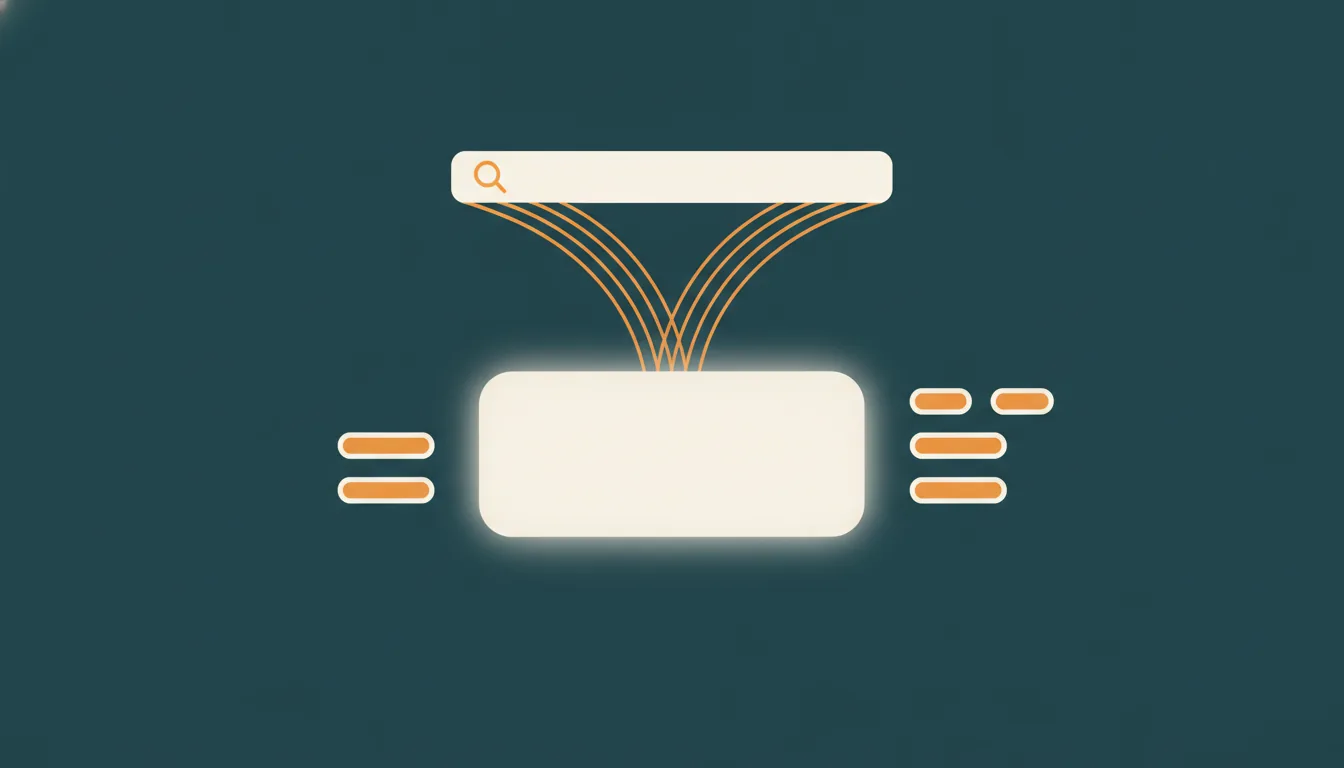
The technical heart of AI Mode is the query fan-out technique. AI Mode takes your question, splits it into several sub-queries, and sends them to the Google index in parallel. From the results of all those sub-searches it assembles one answer. Google notes in its documentation that this approach surfaces a wider and more diverse set of helpful links than a single classic search would (Google Search Central, “AI features and your website”).
This mechanic changes which pages can become visible at all. In classic search, everyone competes for ten spots on the main query. Under query fan-out, every sub-query runs its own competition: Your pricing page can be cited for the cost sub-query, your guide for the criteria sub-query, your case study for the experience sub-query. Specialized subpages get chances the classic top 10 never gave them. The precondition is a clean topic network in which every page answers one clearly defined question completely, which is exactly what topical authority describes.
For your content planning, the fan-out logic has a concrete consequence: Stop optimizing single pages for single head terms and start covering a topic as a set of connected, sharply focused pages. A thin page that half-answers five questions loses every sub-query. A focused page that fully answers one question wins its slice of the fan-out, and a network of such pages wins slices across the whole topic.
What AI Mode does to your clicks
The honest answer first: Clicks on simple informational queries go down. When AI Mode delivers the opening hours, the definition, or the calculation directly, nobody needs to visit a website for it. AI Overviews established that pattern, and AI Mode amplifies it because the answer fills the entire page. If clicks are your only success metric, the next few years will feel frustrating.
The ledger has a second column, and it holds three entries:
- The clicks that remain convert better. Google describes clicks from its AI experiences as higher quality: Someone who still visits your site after reading a full AI answer arrives with a concrete intent and engages more deeply (Google Search Central, “AI features and your website”). Fewer bounces, more inquiries.
- Citations are the new rankings. When AI Mode names your website as a source, you stand where position 1 used to stand. That mention builds brand awareness and trust even without a click, and buying decisions increasingly happen in the moment the AI recommends a provider.
- Consulting and transaction searches keep clicking. People who want a provider, an offer, or a personal assessment still click through. Those searches carry the revenue; AI Mode mostly filters out the clicks that rarely converted anyway.
The consequence for your reporting: Measure visibility through impressions in AI answers, brand searches, and incoming inquiries instead of the raw click curve. How your pages become citable in the first place is the subject of the next section.
Who feels AI Mode first: Four website types
AI Mode does not hit every business model with the same force. Where your website sits in this table decides how urgent the preparation is:
| Website type | Exposure | What to do |
|---|---|---|
| Publishers and pure content sites | Highest. Informational clicks are the product, and AI Mode answers exactly those queries in place. | Build content the AI must cite (original data, expert takes), grow direct and brand traffic, treat citations as reach. |
| Service providers and consultancies | Medium. Guide traffic shrinks, but provider selection still ends in a click and an inquiry. | Make expertise citable and attributable, so the AI names you when someone asks for a provider or an assessment. |
| Online shops | Medium. Advice queries move into the AI answer; the purchase itself still needs your product page. | Feed the fan-out with sharp category, comparison, and detail pages, and keep product data machine-readable. |
| Local businesses | Lower for now. Local intents keep their map results, and proximity beats prose. | Keep profile data, reviews, and opening hours consistent; the AI reads the same local signals that local SEO has always managed. |
The pattern across all four rows is the same: The click becomes rarer, the citation becomes the asset, and the businesses that lose least are the ones whose pages answer the money questions instead of only the curiosity questions.
We measure your visibility in Google AI Mode, in AI Overviews, and in ChatGPT, and we build the content that gets cited. taismo is a German SEO and GEO agency from Munich that treats search rankings and AI citations as one strategy.
How to rank in Google AI Mode: 5 levers
Google states there are no additional requirements for appearing in AI Overviews or AI Mode; the foundation remains helpful, people-first content (Google Search Central, May 2025). That statement is true and incomplete at the same time. Within those foundations, cited pages share properties that invisible pages lack. Five levers decide in practice whether the AI pulls you in as a source.
1. Write answers the AI can lift out
AI systems prefer passages that answer a question directly, completely, and verifiably: A definition in the first sentence, concrete numbers with a source, prioritized lists, clear comparisons. Vague claims, rhetorical questions, and marketing fluff never get cited. Write every key statement so it works as a standalone answer outside its context. The concrete writing patterns with examples are in our guide on how to get cited by AI systems.
2. Make your entities unmistakable
Before an AI cites you, it must know who you are. Your company, your authors, and your services need to be recognizable as unambiguous entities: The same name, the same address, the same core claim everywhere, with connected profiles. Visible authors with real credentials and verifiable proof of experience feed exactly the signals Google describes in its E-E-A-T concept. A website without a recognizable sender is an anonymous wall of text to an AI system, and an anonymous wall of text never becomes a source.
3. Ship structured data that mirrors the page
Structured data in the JSON-LD format translates your content into machine language: This organization offers this service, this person wrote this article, this page answers these questions. Google requires no special markup for AI Mode. A clean entity graph connected through IDs still pays off, because it lets AI systems assign your brand, your authors, and your topics without guesswork. One rule is non-negotiable: The structured data must match the visible content, or you burn the trust you are trying to build.
4. Clear the technical path, including snippet permissions
AI Mode can only cite what Google can crawl, index, and reuse as a snippet. Beyond the basics of indexability, speed, and clean architecture, covered in our technical SEO guide, one detail trips up even mature websites: The snippet controls nosnippet, max-snippet, and data-nosnippet also apply to Google’s AI features. Directives that someone set restrictively years ago now silently remove those pages from AI answers.
5. Prepare for every answer engine, not just Google
AI Mode is one of several answer machines. ChatGPT, Perplexity, and Copilot answer the same questions from your audience, with their own crawlers and their own rules, which we mapped in our ChatGPT SEO guide. An llms.txt file as a briefing document for AI crawlers and a look at answer engine optimization round out the preparation. The upside compounds: A website prepared for AI Mode has done most of the work for every other AI system too. That is why GEO optimization for AI visibility is a fixed part of our SEO services rather than a separate product.
Your first week of AI Mode preparation: 5 steps
The five levers describe the direction. This plan turns them into a working week, and every step produces a result you can show:
- Step 1: Audit your snippet permissions. Search the codebase and the CMS settings for nosnippet, max-snippet, and data-nosnippet, and list every page they touch. This is the fastest fix in the whole plan; a single removed directive can bring a page back into AI answers.
- Step 2: Map one money topic into sub-queries. Take the topic that brings you customers and write down the questions AI Mode would fan it out into, such as costs, criteria, comparisons, alternatives, and proof. Mark which question already has a dedicated page and where two questions share one page.
- Step 3: Rewrite the opening of your key pages. Put a complete, liftable answer into the first paragraph of every page from step 2: One clear statement, one number with a source, no warm-up prose. The rest of the page supports the opening instead of hiding it.
- Step 4: Mirror those pages in structured data. Check that every rewritten page carries markup that matches its visible content, names the author, and connects to your organization. Fix mismatches before adding anything new.
- Step 5: Freeze a baseline. Export your current impressions and clicks from Search Console and note the date. When the generative AI report reaches your property, you can separate the AI Mode effect from seasonal noise instead of guessing.
None of these steps needs a budget decision, and all five compound: The snippet audit clears the path, the sub-query map sets the targets, the rewrites and the markup make the pages citable, and the baseline proves what changed.
How to measure your visibility in AI Mode
For a long time, AI visibility was a blind flight. Since June 2026 that has been changing: Google announced dedicated performance reports for generative AI in Search Console, which separate impressions from AI Overviews, AI Mode, and the AI features in Discover for the first time (Google Search Central Blog, June 2026). At launch the report shows impressions, pages, countries, and devices; click and query data are not included yet, and Google has announced further metrics. The rollout is staged, so not every property sees the report on day one.
Two points matter when you read the numbers. First: The AI impressions were always part of the totals in the classic performance report, so your overall numbers do not change with the new report. Second: High AI impressions with few clicks are not an alarm signal; they show that the AI uses you as a source. If you want a structured baseline before the report reaches your property, an SEO audit that includes AI visibility closes the gap.
Everything outside Google, including ChatGPT, Perplexity, and Gemini as standalone apps, needs specialized measurement that sends defined prompts and logs which sources the answers cite. We run that measurement for our clients in SE Ranking and turn AI visibility into a number you can manage, from the first audit to the monthly report.
We analyze whether your content is citable, whether your entities are unambiguous, and whether your technical setup blocks anything. Afterwards you know exactly where you stand in Google AI Mode and what to do next.
FAQ: Google AI Mode
How does Google AI Mode work?
Google AI Mode answers a search query with an AI-generated response built on a version of the Gemini models tuned for search. It splits the query into several sub-queries, runs them against the Google index in parallel, and composes one answer with source links; users can then ask follow-up questions in a conversation.
What is the difference between AI Mode and AI Overviews?
AI Overviews are automatic AI summaries above the classic results, shown only for selected queries. AI Mode is a separate search mode users choose deliberately; the entire results page consists of the AI answer, and follow-up questions turn the search into a conversation.
How do I rank in Google AI Mode?
Meet the same foundations as classic search, then sharpen four things: Answers the AI can lift out verbatim, unambiguous entities with visible authors, structured data that mirrors the page, and snippet permissions that allow reuse. Google confirms there are no additional technical requirements; in practice, citable and well-attributed pages win the citations.
Does AI Mode replace the classic Google search results?
No. AI Mode runs as an extra tab next to the classic result list, and users decide when to use it. Google is shifting more answers directly into search step by step, though, so citations as a source grow in importance relative to classic rankings.
How do I see whether my website appears in AI Mode?
Search Console reports impressions from AI Overviews and AI Mode in dedicated performance reports for generative AI, announced in June 2026 with a staged rollout. For AI systems outside Google, such as ChatGPT or Perplexity, you need specialized visibility measurement with logged prompts.
Can I block my content from AI Mode?
Yes. The snippet controls nosnippet, max-snippet, and data-nosnippet remove content from Google’s AI answers just as they remove it from classic snippets, and Google provides an opt-out from its generative AI surfaces in Search Console. For most businesses blocking is a bad trade, because the visibility disappears while competitors keep collecting the citations.
Sources
- Elizabeth Reid (Google): “AI Mode in Google Search: Updates from Google I/O 2025“, The Keyword (Google blog), May 20, 2025.
- Hema Budaraju (Google): “AI Mode launches in Germany, Austria, and Switzerland” (article in German, title translated), The Keyword (Google blog), October 8, 2025.
- Google Search Central: “AI features and your website“, developers.google.com (documentation), accessed August 2026.
- Google Search Central Blog: “Top ways to ensure your content performs well in Google’s AI experiences“, developers.google.com, May 21, 2025.
- Google Search Central Blog: “Introducing Search Generative AI performance reports in Search Console“, developers.google.com, June 2026.