What is hreflang?
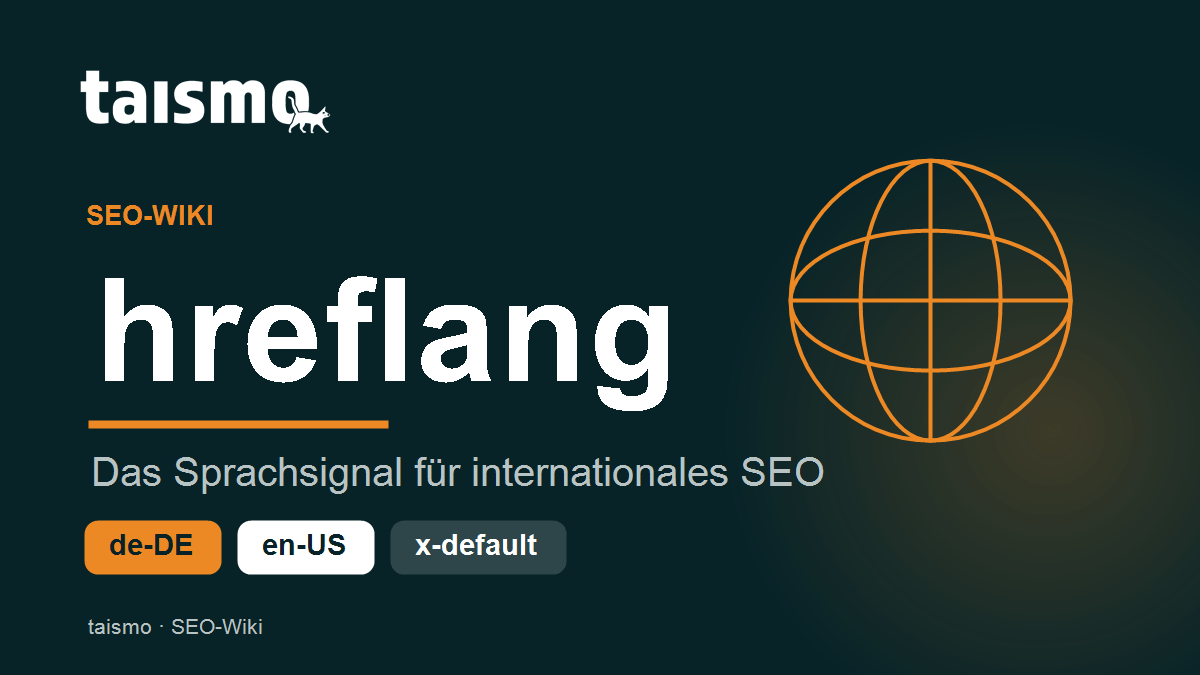
hreflang is an HTML attribute that tells search engines the language and the geographic target region of a web page. The hreflang attribute connects pages with the same content across different languages, so that Google shows every user the matching language or country version in the search results. A German user lands on the German version, a US user on the English version of the same page.
The attribute is the central building block of international SEO. Without hreflang, Google decides for itself which language version to rank and may serve a German searcher the English page. hreflang controls that assignment actively.
The term at a glance
| Feature | Detail |
|---|---|
| Type | HTML attribute of the link element |
| Pronunciation | “href-lang”, from hyperlink reference language |
| Syllables | href·lang |
| Related terms | canonical, x-default, ISO 639-1, ISO 3166-1 |
How does the hreflang attribute work?
hreflang works through mutual references between language versions. Every page lists all of its language variants in a link element, including itself. A typical set of entries in the <head> looks like this:
<link rel="alternate" hreflang="de-DE" href="https://example.com/produkt/" />
<link rel="alternate" hreflang="en-US" href="https://example.com/en/product/" />
<link rel="alternate" hreflang="x-default" href="https://example.com/" />
The value is made of two parts: the language and, optionally, the country. de stands for German, de-AT for German in Austria. Google reads these entries, groups the pages as one unit and serves the right version for each query.
The most important rule: hreflang has to work both ways. If the German page points to the English one, the English page has to point back to the German one. Without that return link, Google ignores the entry completely.
Which language and country codes does hreflang use?
hreflang combines two international standards. The language code follows ISO 639-1 (two lowercase letters), the optional country code follows ISO 3166-1 alpha-2 (two uppercase letters).
- Language only:
hreflang="de"for all German-speaking regions. - Language and country:
hreflang="de-CH"for German in Switzerland. - Country alone is not allowed: a country code never stands on its own, the language is mandatory.
One frequent mistake: hreflang="en-UK". The correct country code for the United Kingdom is GB, not UK. Google silently drops codes that are wrong.
What does hreflang=”x-default” mean?
x-default marks the fallback page for every user whose language or region has no version of its own. If someone from France visits a website without a French version, Google serves the page marked as x-default, often the English home page or a language selector.
x-default is optional, but recommended. The entry keeps Google from picking a random version for regions you do not cover.
Where is hreflang implemented?
There are 3 ways to implement hreflang. All three carry the same weight for Google, and you pick exactly one per website.
- In the HTML
<head>: onelinkelement per language version. Easy to set up, but with many pages and languages the source code grows large. - In the HTTP header: useful for non-HTML files such as PDFs, where no
<head>exists. - In the XML sitemap: all connections maintained centrally in one place. Ideal for large websites with many languages, because the page source stays lean. The term sitemap explains more about that.
Which hreflang errors are the most common?
hreflang has a reputation for being error-prone, because even small inconsistencies tip over the whole assignment. The 4 most common errors:
- Missing return link: the reference does not work both ways. Without a return link, Google discards the entire hreflang set of the page.
- No self-reference: every page has to list itself in hreflang as well. If the entry pointing to itself is missing, the set is incomplete.
- Wrong codes:
en-UKinstead ofen-GB, or invented language abbreviations. Only valid ISO codes are recognized. - Conflict with the canonical: if the canonical of a page points to a different language version, the signals contradict each other. The canonical of a page always has to point to itself, while hreflang points to the alternatives.
Google reports problems like these in Google Search Console. The former International Targeting report has been retired, but hreflang errors still show up in the coverage and inspection reports.
hreflang vs. canonical: what is the difference?
hreflang and the canonical link solve different jobs and complement each other.
- The canonical defines the main version of URLs with identical content and prevents duplicate content. The canonical always points back to the page’s own URL.
- hreflang shows Google the language alternatives of a page. hreflang does not turn several language versions into duplicates, it turns them into one connected group.
In short: the canonical says “this is the right URL for this content”, hreflang says “and here is the same content in other languages”. Together they keep multilingual websites clean, which is a core topic of any ongoing SEO support.
Frequently asked questions about hreflang
Does every multilingual website need hreflang?
Yes, as soon as the same content exists in several languages or for several countries. hreflang keeps Google from ranking the wrong version.
Is hreflang a ranking factor?
No, hreflang does not improve rankings directly. hreflang makes sure that the page that already ranks is served in the right language version, which strengthens user experience and click-through rate.
Does hreflang replace a translation?
No, hreflang only points to language versions that already exist. You have to create the actual translations separately, for example with a multilingual plugin.